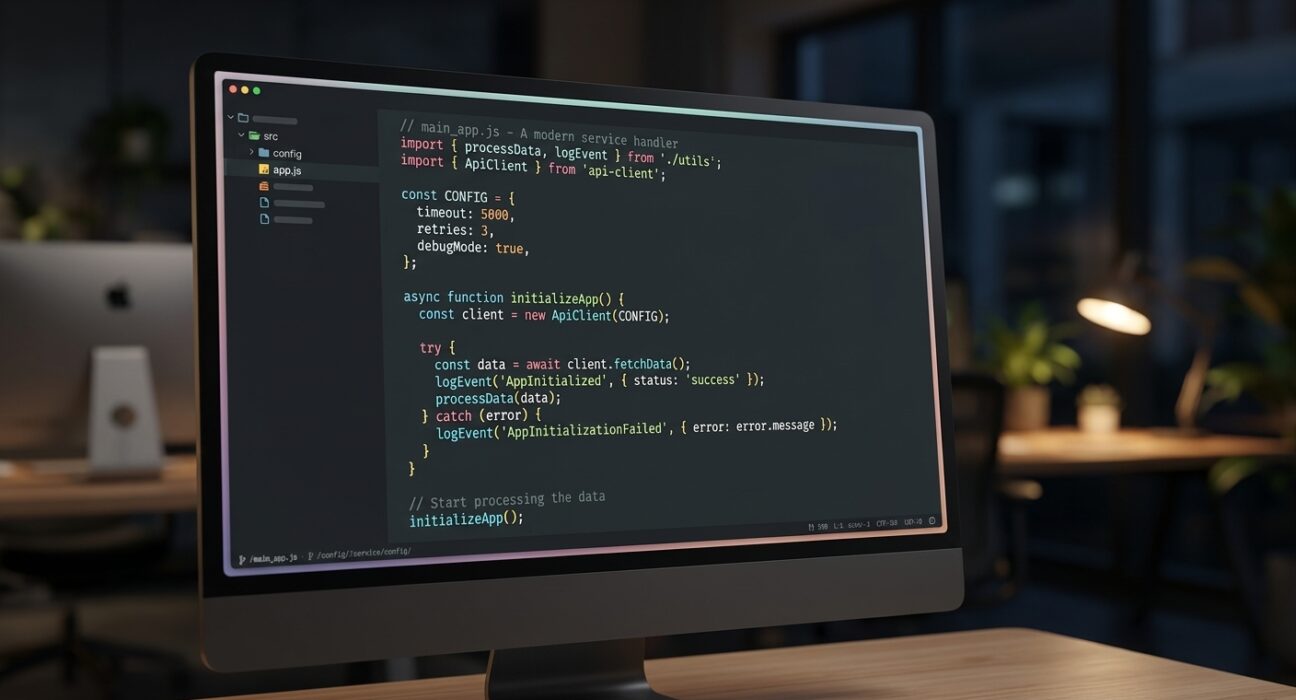
Best coding fonts can make a real difference if your eyes get tired after hours of coding. Most editors default to a plain system font that was never built for reading code all day, a bit like playing a game before you have bothered tuning your settings, something Dispatch players know all too well. We tested top coding fonts in VS Code, JetBrains IDEs and terminals on Mac and Linux, scoring each on readability, character clarity and price. Below, you will find what to look for, our top picks and how to switch your font in under two minutes.
JetBrains Mono is a free monospaced coding font designed to reduce eye strain through a taller x-height and wider letter spacing. Fira Code is a free ligature-rich coding font designed to turn symbol pairs like => and != into cleaner shapes for faster scanning.
What Makes a Good Coding Font?
A coding font is not just about looking nice. It helps you avoid mistakes. It helps you stay comfortable during long sessions. Here is what separates the best coding fonts from a normal font.
Monospacing
In a monospaced font, every character takes up the same space. A comma. A capital W. A lowercase i. They are all the same width. This keeps your code lined up neatly. Indents and columns stay in order. Regular fonts, like the ones in Word, do not do this. That is fine for writing. It makes code harder to read.
Telling Similar Characters Apart
This matters most for beginners. A good coding font makes it easy to tell apart:
- A capital O from the number 0 (the zero often has a slash or dot)
- A lowercase l, a capital I and the number 1
- Curly braces {}, parentheses () and brackets []
Mixing up one character can cause a bug. That bug might take an hour to find. This is a real, practical benefit. It is not just a nice extra.
Ligatures
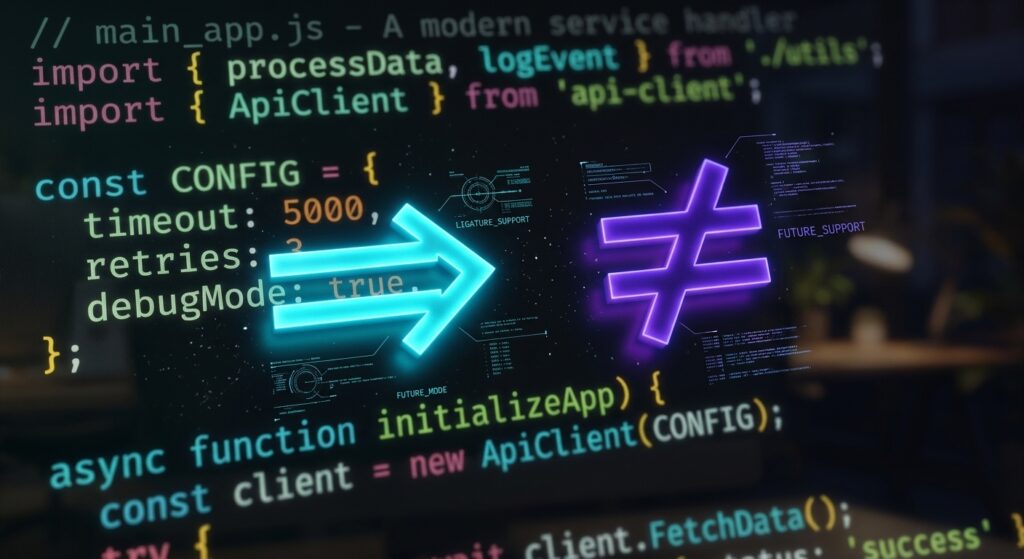
Ligatures combine common symbol pairs into one clean symbol. Think !=, =>, -> and ===. Your code does not change. It just looks different on screen. Some coders find this easier to scan. This is especially true in languages like JavaScript or Rust. Others find it distracting. It is a personal choice. Most fonts let you turn ligatures on or off.
Readability at Small Sizes
“X-height” means how tall lowercase letters are. A taller x-height usually makes text easier to read at small sizes. This matters if you work on a laptop screen. It also matters if you share your screen during meetings.
How We Tested These Fonts
We tried each of the best coding fonts in VS Code, a JetBrains IDE and a terminal. We tested sizes from 11pt to 16pt. We used both a regular screen and a high-resolution screen. We scored each font on:
- How easy it is to tell similar characters apart
- How good the ligatures look, and whether you can turn them off
- How readable it is at small sizes
- How many font weights and styles it offers
- Whether it’s free or paid
The Best Coding Fonts in 2026
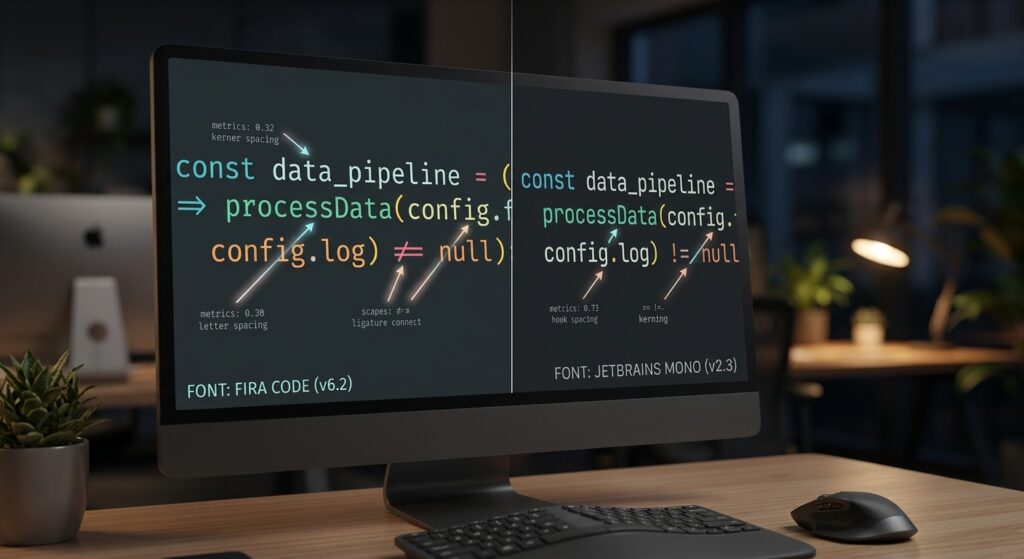
Here is the full lineup of the best coding fonts we tested, compared side by side:
| Font | Price | Ligatures | Best For |
| JetBrains Mono | Free | Yes (140+) | All-around use, JetBrains IDEs |
| Fira Code | Free | Yes (lots) | VS Code, fans of ligatures |
| Cascadia Code | Free | Yes | Windows Terminal, VS Code default |
| Monaspace | Free | Yes | Mixing fonts, GitHub users |
| Geist Mono | Free | Yes | Cursor, Next.js/Vercel projects |
| Source Code Pro | Free | No | Clean, simple coding |
| IBM Plex Mono | Free | Limited | LaTeX, academic writing |
| Hack | Free | No | Systems programming, C/C++ |
| Anonymous Pro | Free | No | Retro look, short sessions |
| MonoLisa | Paid | Yes | Pros who want extra polish |
| Operator Mono | Paid | Yes | Designers, premium look |
| DejaVu Sans Mono | Free | No | Support for many languages |
JetBrains Mono: Best Overall
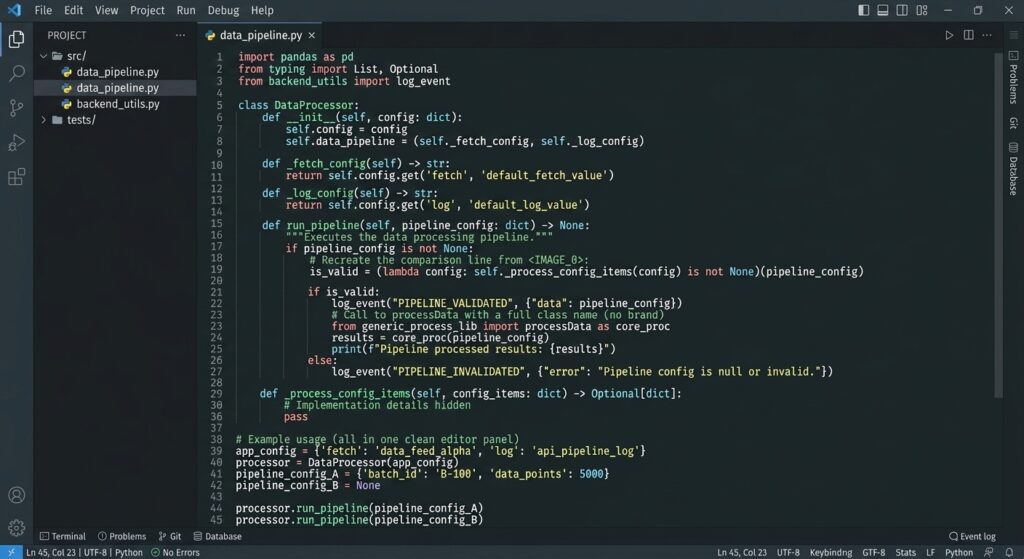
As far as the best coding fonts go, this one tops our list.
Made by: JetBrains, to help cut eye strain
Price: Free, and it is the default font in every JetBrains IDE, IntelliJ, PyCharm, WebStorm, Rider
Design: Taller x-height, slightly wider spacing, easy to read even at small sizes
Best for: Java, Kotlin, Python, and Go developers but it works well anywhere
Weights: 8, each with an italic version
Fira Code: Best for Ligatures
Another strong pick among the best coding fonts, especially if you love ligatures.
Style: One of the best picks for languages with lots of symbols
Price: Free and open-source
Popularity: A top VS Code font upgrade, with over 78,000 stars on GitHub
Best for: JavaScript and Python developers and anyone on VS Code or Neovim who wants strong, free ligature support
Cascadia Code: Best Windows/VS Code Default
If you are on Windows, this is one of the best coding fonts to try first.
Made by: Microsoft, already built into Windows Terminal
Setup: Switch to it in VS Code with one click
Best for: Windows Terminal users, or anyone who wants good ligatures with an easy setup
Monaspace: Best for Mixing Styles
Among the best coding fonts for GitHub users, Monaspace is a set of five fonts from GitHub: Neon, Argon, Xenon, Radon and Krypton. They are designed to work together and line up perfectly. You could use one font for comments and another for code and it still looks neat.
Best for: Developers who want different styles for different parts of their code and GitHub users.
Geist Mono: Best for Cursor and Next.js
One of the newer best coding fonts, Geist Mono comes from Vercel. It is the default font in Cursor. It has nine weights, good ligatures and loads easily through Google Fonts.
Best for: Cursor users and anyone already using Geist Sans for web design.
Source Code Pro: Best Without Ligatures
Among the best coding fonts without ligatures, Adobe made this free, open-source font. It skips ligatures completely. Some people prefer that. It shows exactly what the code looks like, with no extra styling.
Best for: Developers who find ligatures distracting and want a plain, clear font.
IBM Plex Mono: Best for LaTeX and Research
This font pairs nicely with LaTeX documents. It is popular among researchers and data scientists who switch between writing code and writing papers.
Best for: LaTeX users and anyone working in Jupyter notebooks.
Hack: Best for Systems Programming
A clean, simple font with no ligatures. It gives a clear, distraction-free view of code. It is popular among C and C++ programmers.
Best for: C/C++ developers who prefer no ligatures.
Anonymous Pro: Best Retro Pick
Anonymous Pro began as a bitmap font for Macintosh computers in the 1990s. It is been updated into a modern font, but it kept its classic style.
Best for: Short coding sessions or fun side projects where style matters as much as comfort.
MonoLisa: Best Paid Option
A paid font made just for professional coders. It has adjustable spacing and slant. Many people find it more comfortable during full workdays.
Best for: Professionals who code 6+ hours a day and want extra comfort.
Operator Mono: Best for Visual Style
A premium font with a lovely italic style. It costs money. Many designers and front-end developers think it is worth it.
Best for: Designers and front end developers with some budget for fonts.
DejaVu Sans Mono: Best for Language Support
DejaVu was built to support as many languages and symbols as possible. It covers more ground than most coding fonts.
Best for: Developers who work with many languages or lots of special symbols.
Other Ways to Cut Eye Strain While Coding
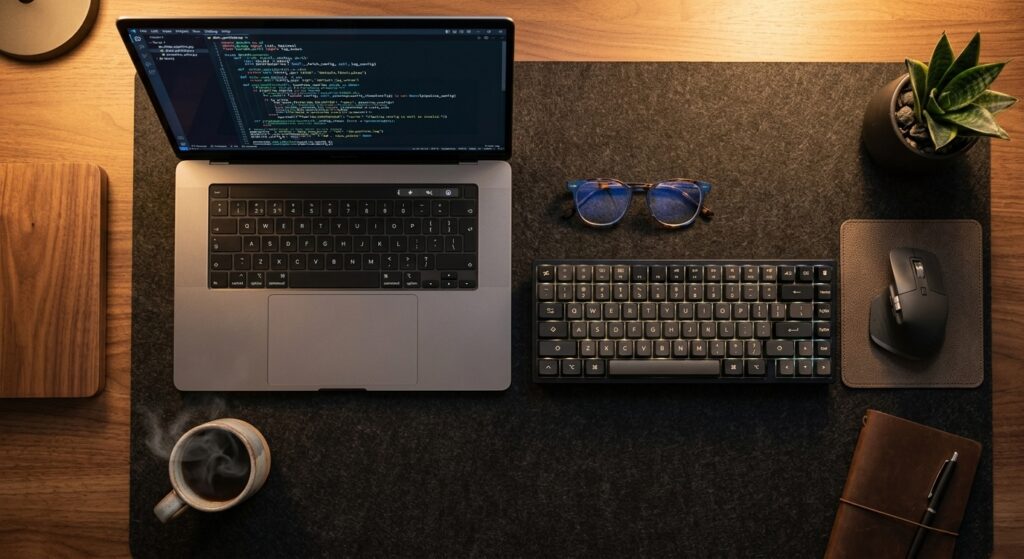
Even the best coding fonts are only part of the picture. Your font size, line height and color theme all work together with your font choice. If you are still squinting after switching fonts, these small tweaks can help even more.
Font size: Most developers land somewhere between 13pt and 15pt on a laptop screen and a bit larger on an external monitor. This holds true no matter which of the best coding fonts you pick. Bump it up if you find yourself leaning toward the screen.
Line height: A little extra space between lines makes long files easier to scan. Most editors default to around 1.4 to 1.6, which works well for most people.
Color theme: Dark themes are popular for evening coding, since they cut glare in low light. Light themes often look sharper during the day. Neither one is correct, pick whichever feels easier on your eyes for the hours you actually work.
Screen brightness and blue light: Matching your screen brightness to the room around you matters more than most people think. A screen that is too bright in a dim room strains your eyes just as much as a font that is hard to read.
Put together, the right font, the right size and the right theme can make a coding session that used to leave your eyes sore feel completely different. Small tech habits like these tend to compound over a long career.
How to Pick the Right Coding Font for You
With so many of the best coding fonts to choose from, picking one comes down to how you actually work.
- If you want the safest, most tested option, JetBrains Mono is hard to beat.
- If your language is full of symbols and you like a cleaner visual flow, Fira Code or Cascadia Code are worth trying first.
- If you skip ligatures on principle, Source Code Pro or Hack will feel more familiar right away.
The good news is that switching costs you nothing but two minutes. Try two or three of the best coding fonts for a day each and you will usually know which one fits before lunch.
Free or Paid: Which Should You Pick?
For most people, a free font is more than enough. Among the best coding fonts, JetBrains Mono and Fira Code are used by millions of developers. They cover everything most people need. A paid font might be worth it if:
- You code 6+ hours a day and want extra comfort
- You love a specific italic style for comments
- You care a lot about how your code looks, like for tutorials or design work
There is no proof that a paid font helps you code better. It really comes down to comfort and personal taste.
How to Change Your Coding Font
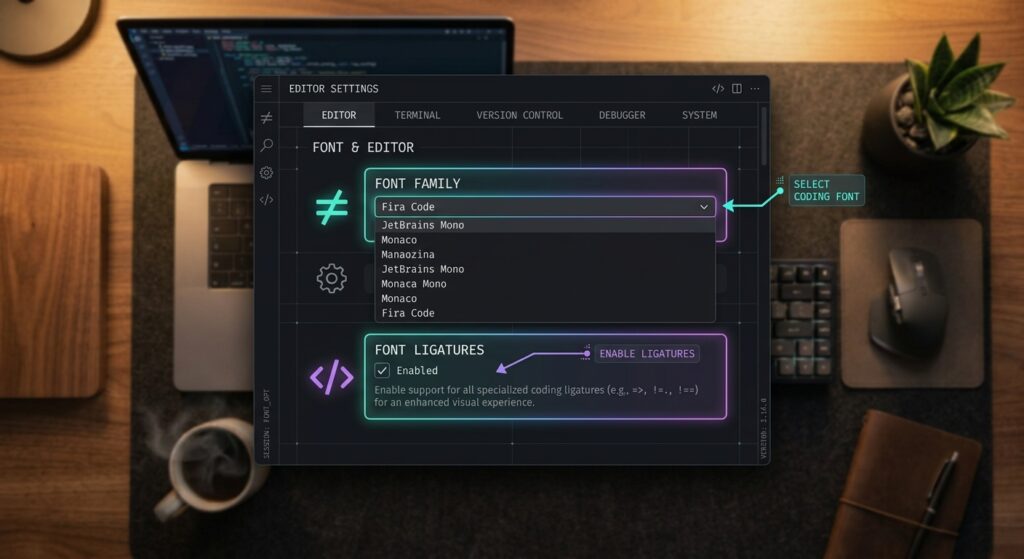
Switching to any of the best coding fonts only takes a couple of minutes. Here is how to do it in the most common tools.
In VS Code
- Download and install the font. Just double-click the file on Mac or Windows.
- Open VS Code, then go to Settings (Ctrl/Cmd + ,).
- Search for editor.fontFamily.
- Type the font name, like “JetBrains Mono, monospace.”
- To turn on ligatures, search for editor.fontLigatures and set it to true.
In JetBrains IDEs
- Go to Settings → Editor → Font.
- Pick your font from the list.
- To turn on ligatures, check the box for “Enable font ligatures.”
In a Terminal
- Install the font on your computer.
- Open your terminal settings, like iTerm2 → Profiles → Text.
- Choose your new font.
- If you use icons in your prompt, like Powerline or Starship, install the Nerd Font version so the icons show up right.
Conclusion
If you remember just one thing from this guide: try JetBrains Mono today. Out of all the best coding fonts we tested, it is free, works right away in JetBrains tools, and takes one small setting change in VS Code. It also did well in every test we ran. If you want more ligatures, Fira Code is a great second choice. Both are free, so there is no downside to trying either one.
FAQ’s
What is the most popular coding font right now?
Among the best coding fonts, JetBrains Mono and Fira Code are the two most used. Both are free, support ligatures and are already built into or easy to add to the most popular code editors.
Do ligature fonts actually help?
Among the best coding fonts, ligatures turn symbols like !=, ===, -> and => into single, cleaner shapes. Many developers find this easier to scan. Others prefer plain text. It comes down to personal taste, and most fonts let you switch this on or off.
Do coding fonts really reduce eye strain?
There’s no formal study proving one font reduces eye strain more than another. But the best coding fonts are built using solid design ideas: clear letters, good spacing, and easy-to-tell-apart characters. Many developers say this makes long sessions feel less tiring.
Do I need a monospaced font to code?
It’s not required, but it’s a good idea. Nearly all of the best coding fonts are monospaced, which keeps your code lined up neatly. One wrong character can break your whole program, so it helps to see every character clearly.
What is the best free coding font for beginners?
Among the best coding fonts, JetBrains Mono is the easiest choice for beginners. It’s free, easy to read, and already built into or a quick download away in most popular editors.
Can I use these fonts in Google Docs or Word?
A few, like Source Code Pro, are available through Google Fonts. Most coding fonts, like JetBrains Mono and Fira Code, are made for code editors and terminals, not regular word processors.
Should I use a dark theme with my coding font?
It depends on your lighting and personal preference. Dark themes tend to cut glare during evening sessions, while light themes can look crisper in a bright room. Most coding fonts, including every pick on this list, work equally well in either theme.